Concrete Pumping
From boom pumping to telebelts, we help concrete placement teams deliver best-in-class service with every job.



Portable sanitation operations
Updated November 2, 2026
Picture a month end that most office managers at a two-line sanitation company will recognize. Say Hannah runs the office for a portable toilet company with about 350 units and six trucks. Two years ago the owner bought a vacuum truck and added septic pumping, and the pumping work went into a second program because that was the fastest way to get started. On the last Friday of the month, Hannah is closing out billing when she spots the same restaurant group twice.
In the portable system it is "Harbor Street Hospitality," with four units on a patio remodel. In the pumping system it is "Harbor St. Hospitality Group," with a 1,500-gallon pump-out at the group's lakeside location. Two spellings, two billing addresses, a unit count in one tool and a gallon total in the other, and two invoices headed to an accounts payable clerk who has already called once to ask whether they come from the same company. Nobody did anything wrong. Each tool did its job. Everybody who has added a second service line has had a month end like this one, usually with a spreadsheet open on one screen and both programs on the other.
TLDR
To move portable toilets and septic pumping into one system, move four records in a fixed order: customers, then units and placements, then pump-out history, then dump and pump-out sites. Test each before starting the next. CRO runs both lines in one platform, with unit placements pinned on a map where drivers can log gallons for each pump-out.
Consolidation looks like a software project, but it is a records job. The hard part is not choosing a screen layout or a go-live date. It is deciding, customer by customer, which record is the real one, and that call belongs to the person who knows who pays for what: usually the office manager. The rest of the move follows from that decision. We also suggest making the move in your slow months, not the month before peak.
Two tools drift apart because each one keeps its own customer list and runs its own billing, and nothing forces the two to agree. The second program was the right call when pumping was new. It just was never built to know the first one exists.
The drift usually shows up in four places:
Computer scientists have studied this exact problem for decades. In their survey of duplicate record detection, Elmagarmid, Ipeirotis and Verykios note that duplicate records often do not share a common key, and that errors come from transcription mistakes, incomplete information and a lack of standard formats. That is Harbor Street in one sentence. If you are still deciding whether to consolidate at all, our look at why multi-service waste operators outgrow disconnected systems covers that choice. This article assumes you have decided, and walks through the move itself.
The real record is the one your office manager says it is, and settling that first is the whole job of step one. Start only with customers who buy both services, because they are the ones who will get two invoices, and they are usually a short list.
We suggest this order. Export both customer lists, then match them on phone number and service address rather than on name, since names are where the spellings split. For each match, one person decides which record survives: the legal name, the billing contact, the billing address and the payment terms. Service locations then sit under that one customer, so Harbor Street's patio remodel and its lakeside tank become two places on one account instead of two accounts.
Give that call to one person. Drivers know sites, dispatchers know routes, but the office manager knows who actually pays and how they like to be billed. The U.S. Government Accountability Office's guide to assessing data reliability asks whether data is accurate, complete and fit for the purpose you need it for. For a customer record, the purpose is simple: an invoice the customer pays without calling.
The test: bill one shared customer from both lines. Draft one test invoice for a portable rental and one for a pump-out, neither of them sent, both from the merged record. Check that each carries the same name, billing address and terms, and that each points at the right service location. If the customer's payables clerk would see both as coming from one company without a question, move on. If not, fix the record and test the next shared customer before you go further.
Your unit counts match the field only when the unit list in the new system agrees with what is actually standing at each site. Move the unit list with each unit's number and type, where it is placed now, and the service schedule attached to it. Placements are the part that drifts, because units get added to a site by phone and pulled early without anyone updating the list.
Counts matter beyond billing. On construction jobs, OSHA's sanitation standard sets a minimum number of toilets by crew size: one facility for 20 or fewer employees, and one toilet seat and one urinal per 40 workers above that. The portable sanitation industry's own standard for job sites, ANSI/PSAI Z4.3, sets minimum requirements for nonsewered waste disposal systems at places of employment. A contractor who thinks he has four units and has three is the one who calls you.

The test: count one site against the list. Pick an active site with several units, and ask the driver who services it to count on the next visit: how many, which types and where they sit on the site. Compare that with the new system. If it matches, the unit list is ready. If it does not, fix that site and count one more before you trust the rest.
The pump-out history survives only if each visit comes across with its date, the tank's address, the gallons pumped and where the load went. Those are the fields regulators ask for, and the fields your next quote depends on.
State rules differ, so check your own, but the pattern is consistent. Florida requires a collection and hauling log with the date, the collection address, the estimated gallons, the treatment facility and its acknowledgment of receipt, kept for five years. Ohio requires a record for each system pumped, with the owner, the address, the quantity removed and the receiving facility, retained for at least five years. Iowa asks licensees to record the location of every cleaned system or toilet unit and the volume disposed of on each trip, and to keep those records for five years. Note that Iowa's rule covers portable toilet units too, which is one more reason the two lines belong in one record.
There is a catch with residential tanks. The EPA says household septic tanks are typically pumped every three to five years, so a tank's last three visits may reach back a decade, often older than either of your programs. With more than one in five U.S. households on septic or small cluster systems, that long tail of history is normal. Move what you have, and keep the old program or a full export readable for as long as your records rules require.
The test: read one tank's last three visits. Pick a commercial tank you pump often, like Harbor Street's lakeside location, and check the dates, gallons and disposal site for its last three visits against the old records. Then do the same for one residential tank. For more on how residential and commercial pumping differ, see our guide to septic pumping software for residential, commercial and mixed fleets.
The trucks know where to unload only after the dump and pump-out sites are in the new system with correct names and addresses, and with the sites your drivers actually use. This is the record people forget, because it lives in drivers' heads. Portable service trucks and septic trucks often share the same facilities, so one clean site list serves both lines.
Keep the receiving side of the record too. Florida's log asks for the facility's acknowledgment of receipt, and if you land-apply septage, federal rules ask the applier to keep the site location, acres, dates and gallons per acre for five years. Which facility accepts which load, and when it is open, stays your dispatcher's call.
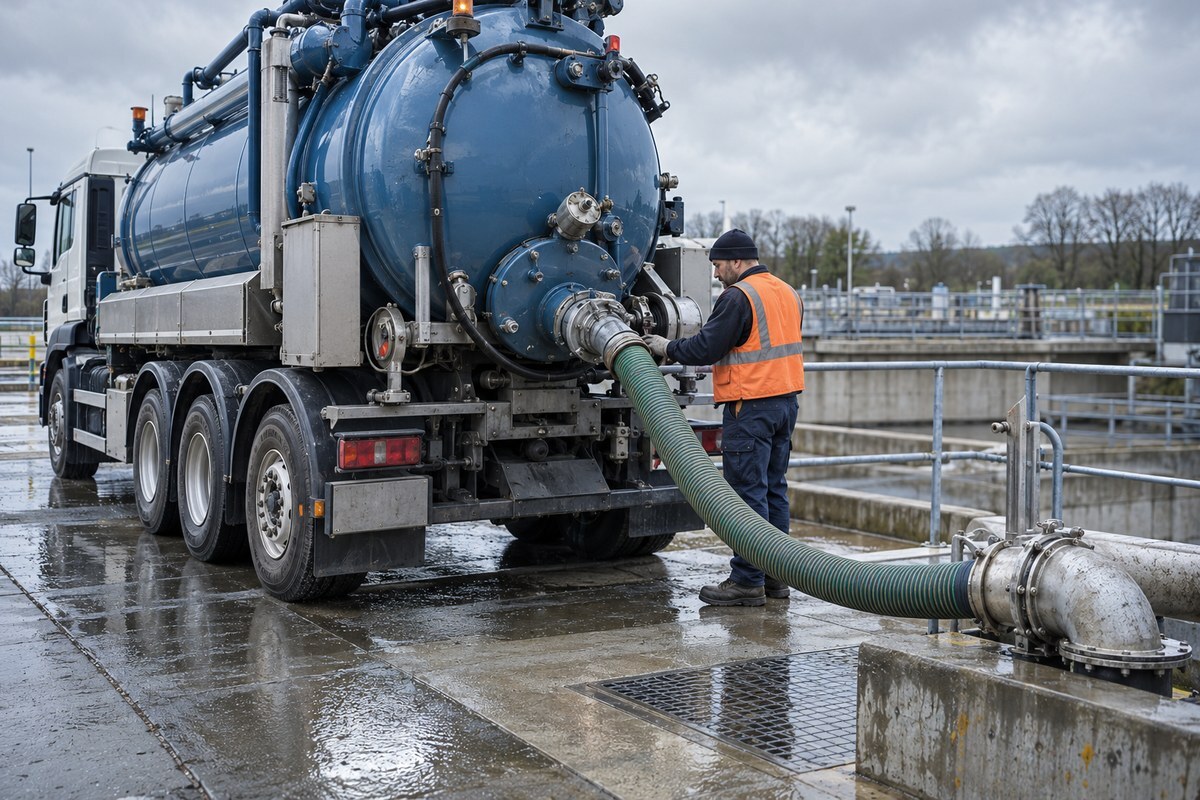
The test: route one truck. On an ordinary day, have one driver finish a route and head for the nearest pump-out from wherever the truck sits. Confirm the system sends him to a facility you really use, at the right address. In CRO, drivers route to the nearest dump, landfill or pump-out facility based on their current location, so the site list has to be right before the first truck relies on it.
The two lines meet at the customer. Once Harbor Street is one record, the patio units and the lakeside pump-out are two kinds of work for one customer, billed from one customer record, and the month end Hannah dreaded stops producing two names for the same company.
CRO gives operators one platform for portable sanitation and septic side by side. Here is how the four records land in it:
More than 700 waste and site service companies trust CRO to run their operations, managing over 11 million jobs a year. Because both service lines live in one system, there is no second program to reconcile at month end and no patchwork of tools to keep in step. Hoffman Sanitation Services in Durant, Oklahoma, runs trash, roll-offs, portables and septic this way. As owner Stewart Hoffman put it in Hoffman Sanitation's customer story: “We use it for everything, trash roll offs, portable toilets, pumping. They’re all separate and they’re all in CRO.” For how dispatch and billing work together on the portable side, see our guide to portable sanitation billing and dispatch software in one platform.
Make the move in your slow months, and wait if peak season is a month away. A consolidation needs a few quiet weeks for the four tests and one month end run in both systems, so you compare totals before you switch off the old one. Starting in the weeks before your busiest season puts new records in front of drivers at the worst possible time. If peak is close, work through our portable toilet rental busy season checklist first, and plan the move for after the season.
The second exception is size. If septic is a small side line, say a handful of pump-outs a month, a lighter record may be enough. Bring over the shared customers and each active tank's last pump-out date and gallons, and leave older history in the old program's export. Keep that export readable for the longest period that applies to you: the IRS says to keep records for three years in most cases, and state hauler rules like Florida's, Ohio's and Iowa's run to five.
Merge the customers who buy both services first. Picture Hannah starting with a list of 41 names that appear in both programs, matching them on phone number and service address, and spending two afternoons deciding which record survives. By the next month end, Harbor Street's patio units and lakeside pump-outs sit under one customer record, billed under one name, one address and one set of terms, and the payables clerk has no reason to ask whether two companies are billing her.
Here is the checklist we suggest, one record at a time, in this order:
Pull that list of shared customers this week. It is usually shorter than you expect, and it is the one record every other step depends on.
Want to see portable units and pump-outs on one customer record before your next month end?
Look for one platform that keeps both lines on one customer record, tracks units by where they are placed, lets drivers log gallons for each pump-out and bills both lines from the same customer record. CRO by RapidWorks does all four for portable sanitation and septic operators, and more than 700 waste and site service companies use it.
Four records, in this order: customers who buy both services, units and their placements, pump-out history with gallons, and the dump and pump-out sites your trucks use. Test each one, for example by billing one shared customer from both lines, before you start the next.
One person, usually the office manager. Drivers know sites and dispatchers know routes, but the office manager knows who pays and how they like to be billed, so the merge call sits with them.
Check your state's hauler rules. Florida, Ohio and Iowa each require five years of pumping records, and the IRS says to keep business records for three years in most cases. Keep the old program or a full export readable for the longest period that applies to you.
In your slow months. Allow a few quiet weeks for the four tests and one month end run in both systems. Avoid the month before peak season, when new records would reach drivers at the busiest time.