Concrete Pumping
From boom pumping to telebelts, we help concrete placement teams deliver best-in-class service with every job.


Portable sanitation
Updated November 2, 2026
Picture an owner we will call Greg. He runs a portable sanitation company with eight trucks, steady construction work all year and events most summer weekends. One person runs his office, and she also does the invoices. Two years ago Greg bought route software that looked great in the demo. The office spent a week loading it, the drivers got their logins on a Monday, and by week three they were back to calling in every stop, because a call was faster than the app.
Everybody who has bought software for a small team has watched an app go unopened. Greg's drivers were not stubborn, and his office manager did nothing wrong. The software asked a small team to work like a big one, and the team quietly went back to what worked.
TLDR
The best portable sanitation software for a company under 20 trucks is the one your team actually adopts. Judge it on days to the first invoice, whether drivers open the app in week one, and how many calls the office still takes. CRO pairs an app drivers will actually use with invoices built from completed stops.
Feature lists favor big fleets. Adoption favors you. A smaller operator does not need a smaller product; it needs one its team can switch to without hiring a second person to run it. So the real test is the first few weeks: what to check along the way, and three questions that show you in a demo whether your team will get there.
The best portable sanitation software for under 20 trucks is the one your office and drivers are still using a month after you switch. That sounds obvious, but it is not how most of us shop. We compare feature lists, and feature lists are written for the operator with 60 trucks, three dispatchers and someone whose whole job is the software.
A long list does not hurt a big fleet, because a big fleet has people to set it up. In a small company the same list lands on one person in the office, who still has to answer the phone and get invoices out on Friday. Every screen she has to learn before the first invoice is another week the old way keeps running beside the new one.
Small is normal in this trade. The SBA Office of Advocacy's 2025 small business profile for the United States, built on Census Bureau data for 2022, counts 332,032 small employers with 1 to 19 employees in the administrative, support and waste management sector, against 39,958 with 20 to 499. That is almost nine in ten. Trucks are not employees, but the picture holds: most companies like Greg's run on a handful of people.
Research on why people use software points the same way. Fred Davis's 1989 study in MIS Quarterly, the basis of the Technology Acceptance Model, found that how useful people judged a system to be tracked their actual use more closely than how easy it was, and that ease of use mattered largely because it made a system feel useful. The unified model Viswanath Venkatesh and colleagues published in 2003 added facilitating conditions: whether the help and setup people need are in place. For a small team that comes down to two plain questions. Does the app save a driver a call today? And is someone there when the office gets stuck?
The first weeks on new software are easier to judge against four checkpoints. We suggest using them as questions to ask every vendor and as checkpoints for your own team. They are not a timetable any vendor, ours included, should promise, because your records and your season set the pace.
| Checkpoint | What happens | What to look for |
|---|---|---|
| Week 1 | The office loads customers, units and recurring service. Drivers start on the app. | Drivers open the app on day two without a reminder call. |
| Week 2 | Drivers close stops with photos and signatures. | The office stops calling drivers to ask whether a stop got done. |
| Week 3 | Completed stops turn into invoices. | Friday invoicing comes from completed stops, not paper tickets. |
| Week 4 | Regular customers check job status and invoices through a portal. | Fewer "was it serviced?" calls reach the office phone. |
Week one is where Greg's first rollout broke. The office loaded everything first and switched the drivers on last, so the drivers met the app on a busy Monday with no reason to trust it. Starting drivers in week one, on real stops, while the office is still loading, means the problems show up while everyone is still paying attention.
The drivers already carry the device. Pew Research Center's 2026 survey found that 91% of U.S. adults own a smartphone. The question is never whether a driver has a phone. It is whether the app on that phone saves them a call.
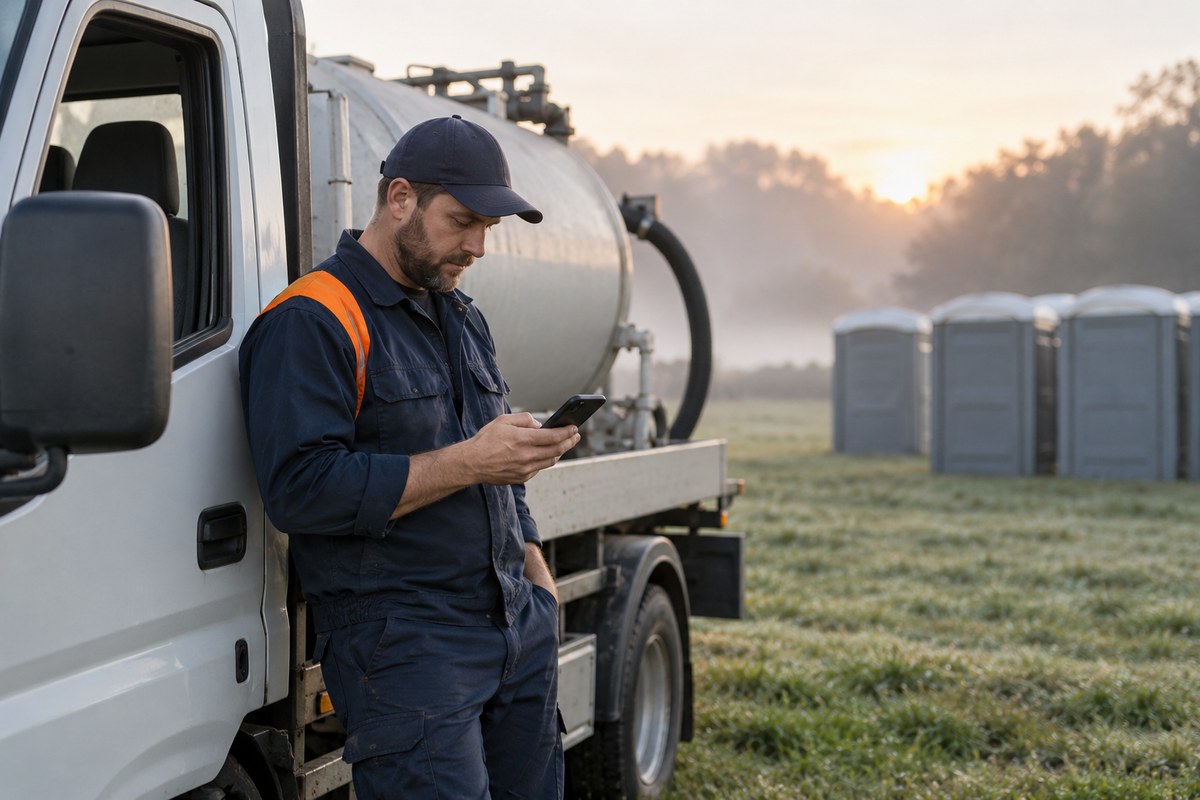
Week three is the payoff for a one-person office. When a completed stop becomes an invoice, the person doing invoices stops retyping tickets and gets her Friday back for the calls that still come in.
Week four is about the phone. Contractors often call because they answer for job-site sanitation: OSHA's construction sanitation rule requires toilets on job sites, and sites without a sanitary sewer use chemical or other nonsewered toilets. The industry's own ANSI/PSAI Z4.3 standard covers how those job-site units are provided and maintained. A customer who checks a job's status online has no reason to ring you to ask. For getting drivers comfortable with the app itself, see our guide to getting route drivers to use the app.
Three questions, asked in every demo, tell you more about adoption than any feature list. We suggest writing them down before the first call and asking every vendor the same way.
Counting calls sounds fussy until you put a number on it. Say the office takes 30 status calls a day at three minutes each. That is 90 minutes a day, or seven and a half hours across a five-day week, close to a full working day. At the May 2025 median pay for bookkeeping, accounting and auditing clerks of $24.36 an hour, from the Bureau of Labor Statistics, that is about $183 a week of your invoice person's time spent on the phone. Your numbers will differ. What matters is knowing them before and after.
Pricing belongs in the same conversation. A per-user price punishes the moment you add a part-time dispatcher or a bookkeeper. Ask how the price moves when you add a truck and when you add an office person; for a small company the second answer matters as much as the first.
Setup moves at the speed of your records. Clean customer and unit lists make it faster, and a messy unit list slows any system, ours included.
Most of us know our records are not perfect, and research suggests they are worse than we think. In a study of nearly 370,000 inventory records from 37 stores of one retailer, Nicole DeHoratius and Ananth Raman found 65% were inaccurate, and regular auditing was among the practices that reduced the errors. Spreadsheets carry their own risk: Ray Panko's review of spreadsheet error research found that errors are extremely difficult to detect and that the people who build spreadsheets are highly overconfident in their accuracy. So we suggest a short clean-up before day one:

There is also a fair case for waiting. If you run fewer than five trucks, dispatch every route yourself and the paper system works, software may not pay for itself yet. Keep the paper, keep your unit count tight, and look again when you hire your first dispatcher or the phone starts eating your mornings. And if peak season is a month away, switch after it. Our busy-season checklist covers what to get in place before the first big weekend.
CRO fits a small portable sanitation company because it is priced and built so one office person and a handful of drivers run the operation from one system. More than 700 waste and site service companies trust CRO to manage over 11 million jobs a year, and the parts a small team leans on line up with the three questions:
Dispatch, drivers, billing and the customer portal sit in one system, so a small team is not stitching three tools together and hoping they agree. That one shared record is what keeps a lean office reliable: the stop a driver closes is the invoice the office sends. See how it works for portable restroom operators on our portable sanitation page.
Don't just take our word for it. Kayla C. at Carter's Septic Tank Service and Portable Washrooms told us:
"CRO was easy to learn and to implement! ... Our office, dispatchers, and drivers all rave about how much they love CRO now."
CRO is not the only option, and some operators will weigh several. For a side-by-side view, see our ranking of the best portable sanitation software and our guide to ServiceCore alternatives for portable sanitation companies.
Take the three questions. How long until our first invoice? Will my drivers open the app in week one? How many calls will the office still take? Ask every vendor the same way, write the answers down, and count your own calls this week so you have something to compare against a month from now.
Greg's second try started with those questions instead of a feature list. He asked to watch a driver finish a stop on a phone, had his office manager clean up the unit list before day one, and put two drivers on the app in the first week. He also counted the calls, because the number that matters to him is the one his office manager feels by Friday.
Want to see a driver finish a stop, that stop become an invoice, and your customers check their own job status, all with your own unit count?
There is no single answer, because the pace depends on how clean your customer and unit records are and how busy your season is. Ask every vendor to walk through setup with your own numbers, then check for drivers opening the app on their own, invoices coming from completed stops, and fewer status calls.
You should not need to. Ask any vendor how many hours a week the software takes from your office once it is running, and whether adding an office user changes the price. With CRO, every plan includes unlimited office users.
Many systems do, so ask which version. CRO syncs with both QuickBooks Online and QuickBooks Desktop. Intuit stopped selling new U.S. subscriptions to several Desktop Plus products after September 30, 2024, though existing subscribers were not affected, so check which version you will be on.
Not all of them, and that is fine. Start with the regular customers who call most often to check on service or ask for invoice copies. Every one of them who checks online instead is a call your office does not take.