


Concrete Pumping
From boom pumping to telebelts, we help concrete placement teams deliver best-in-class service with every job.
/TEST%20icons/noun-concrete-pump-5976240.svg)
/Industry%20Icons/noun-5917380.svg)
/Industry%20Icons/noun-truck-4140346.png?width=60&name=noun-truck-4140346.png)


/TEST%20icons/noun-crane-truck-6830557.svg)
/TEST%20icons/noun-drilling-5103943.svg)


/Industry%20Icons/noun-road-fence-3990160.png?width=60&name=noun-road-fence-3990160.png)

/No%20Background/noun-maintenance-7409171-F1612C.png?width=60&name=noun-maintenance-7409171-F1612C.png)



Roll-off operations
Updated 9 October 2026
TL;DR: Run one real job through both platforms before you decide. We built CRO so the invoice builds itself from what the driver records in the field, synced to QuickBooks Online and QuickBooks Desktop. Jobber's automatic sync keeps customers, invoices and payments aligned with QuickBooks Online only, so confirm that boundary first if your office runs Desktop. Then weigh whether a platform built for waste work, not retrofitted from a general trade app, matters for the add-on fees and container-level detail this job actually carries.
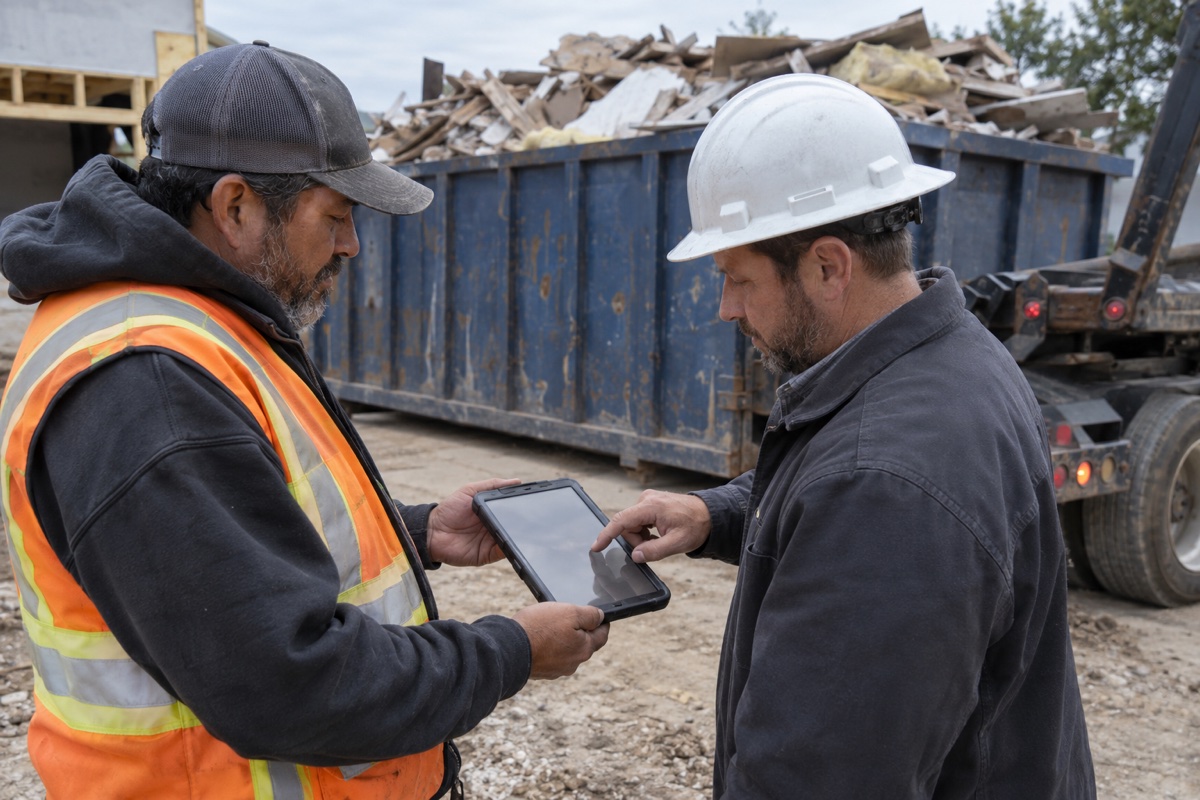
Here is the job. A roll-off driver pulls up to swap a container, finds it holds more than the contract weight and needs an extra haul fee added before the truck leaves. The driver photographs the container, logs the overage and gets the customer's signature on a tablet. By the time that truck clears the gate, the office needs that job sitting in QuickBooks as a correct invoice, not a text message someone has to retype.
We built CRO so the driver never leaves the app to finish that stop. The driver captures a photo, a note and the customer's signature at the container, and adds the overage fee right there using CRO's field billing tool. CRO generates the invoice automatically once the job closes, with the overage already on it as a line item, not a separate note for the office to chase down.
CRO keeps that invoice, and the customer and product records behind it, aligned with QuickBooks Online and QuickBooks Desktop. The sync runs whichever version of QuickBooks the office already uses, so the driver's overage fee reaches the books the same day without a billing admin re-keying it from a photo or a phone call.
Jobber's own field app lets a technician complete job forms and upload photos on-site, and when the job is marked complete, Jobber instantly generates an invoice ready to send by text or email. That part of the workflow earns fair credit: a driver finishing a stop and the office seeing a ready invoice is exactly the kind of step this job needs.
Two parts of this specific job stay unconfirmed on Jobber's own pages. Neither the feature page for Jobber's field app nor its invoicing page states whether a technician can add a line item, such as an overage charge, to a job already in progress, as distinct from a quote prepared before the crew arrives. Treat that as a question to ask Jobber directly on your own job, not as a missing feature, since a page that does not mention a workflow is not proof the workflow is absent.
Once the invoice exists, Jobber's own feature page says its sync keeps customers, timesheets, products and services, invoices, payments, refunds, tips and payouts moving to QuickBooks automatically, one way, from Jobber to QuickBooks. For an office running QuickBooks Online, that removes the re-keying step just as cleanly as CRO does.
Only QuickBooks Online. Jobber's own help center states plainly that Jobber does not sync to QuickBooks Desktop and that no information can be passed between Jobber and QuickBooks Desktop; a Desktop client list can be imported manually, but there is no active, ongoing sync. If this job's invoice needs to land in a Desktop ledger, Jobber's sync will not carry it there. That matters because Intuit still sells and supports QuickBooks Desktop, including Desktop Enterprise for up to 40 users, so plenty of established offices still keep their books there.
We built CRO's QuickBooks integration the other way: one sync that covers Online and Desktop, keeping customers, products and invoices aligned either way the office runs its books. A shop that has standardized on Desktop, for licensing, multi-entity reporting or a long-running chart of accounts, does not need to change its accounting setup to get this job synced through CRO.
Jobber's own industries page lists dozens of trades it serves: cleaning, construction, landscaping, lawn care, plumbing, HVAC, pest control, pool and spa services, window cleaning, junk removal and more, framed as a platform for "companies that handle repairs, installs, maintenance, landscaping, cleaning, and other services." Roll-off, dumpster rental, portable sanitation, septic pumping and scrap hauling are not on that list. Jobber is a general home and field service platform, and that breadth is a real strength for a business running several unrelated trades under one roof.
We did not build CRO that way. CRO's job record starts from a container, portable unit or load on a route, not a generic appointment with a technician's name on it. That difference shows up in this exact job. CRO tracks the individual container's location and lets a driver add a billable fee at the stop as a first-class step in closing the job, because that is what a roll-off, septic or portable sanitation job actually needs recorded. A generic field-service platform has to represent that same container, dump or disposal ticket and day-based rental charge using fields built for a plumbing quote or an HVAC maintenance visit, if it represents them at all.
Software built for one industry commonly works this way. As the trade press that tracks business software puts it, "vertical SaaS is purpose-built for a specific industry, or at the most, a few industries," a type of software "created for a specific industry, such as retail, financial services, insurance, healthcare or manufacturing," while a platform built to serve every industry keeps a broad, general feature set instead. Ask Jobber to show you, on your own container swap or dump run, where the overage fee, the disposal ticket and the rental-day count actually live in its job record. If those fields exist and work the way this job needs, that is useful evidence either way.
Score the one job, not a feature list. Here is how the two compare on what this specific swap and overage fee need.
 CRO
CRO
 Jobber
| What this job needs | CRO | Jobber |
|---|---|---|
| Invoice built from the completed stop | Builds automatically on job completion, overage fee included. | Builds automatically on job completion; confirm mid-job line-item handling directly. |
| Add-on fee captured at the stop | Driver adds the fee in the app at the container; flows straight to the invoice. | Not stated on Jobber's own field-app or invoicing pages; verify on your own job. |
| QuickBooks Online sync | Customer, product and invoice sync. | Automatic one-way sync for customers, invoices, payments and more. |
| QuickBooks Desktop sync | Customer, product and invoice sync, same as Online. | Not supported. Jobber's help center confirms no active sync with Desktop. |
| Built for this industry | Container and unit-level job record built for waste and site-service work. | General field-service platform across dozens of trades; no waste-specific category. |
Best for: An operator running several unrelated trades under one roof who wants one platform across all of them, and whose accounting runs on QuickBooks Online.
Pricing: Jobber publishes named plans and pricing on its own site; confirm the current tier and user count against your team size and your QuickBooks Online requirement.
Where it wins: Breadth. One login covers plumbing, HVAC, landscaping, cleaning and dozens of other trades, with job forms, on-site photos and an invoice generated the moment a job is marked complete.
Where to look closely: QuickBooks Desktop is out of scope entirely, and mid-job add-on billing for this specific swap-and-overage job is not confirmed on Jobber's own pages. Ask for both on a live demonstration using your own job.
Verdict: A strong general-purpose choice for a multi-trade shop on QuickBooks Online; a harder fit for a waste operator on QuickBooks Desktop or one that leans on container-level detail.
Best for: A roll-off, portable sanitation, septic or scrap operator whose driver needs to close a job, add a fee and hand the office a finished invoice without a phone call.
Pricing: We price CRO with a flat base fee plus a per-truck charge, with unlimited office users and no per-seat fee. Ask us for a quote based on your truck count.
Where it wins: The field-to-invoice path stays attached to the asset. The container, the overage fee, the photo and the signature all sit on one job record, and that job syncs to QuickBooks Online or QuickBooks Desktop without anyone re-keying it.
Where to look closely: We built CRO for waste and site-service operators specifically, so a business running several unrelated trades outside that scope should weigh Jobber's breadth against what it would give up on container-level detail.
Verdict: The stronger fit when this exact job, container swap, overage fee, QuickBooks sync, is the one your office has to get right every day.
Bring one real job, not a slide deck, to both demonstrations:
Score what happens when the demonstrator cannot finish the job the way your driver actually works, not only what the slide says the product can do.
Assume a billing admin spends 9 minutes tracking down the details of a finished stop, texts, a photo, a verbal overage confirmation, and re-keying them into QuickBooks by hand, against 2 minutes to open an invoice that already synced and confirm it. That is a 7-minute gap. At the median $24.36-an-hour wage for bookkeeping, accounting and auditing clerks, May 2025 (U.S. Bureau of Labor Statistics), that gap costs about $2.84 in staff time per job. An operator closing 35 jobs a week against that gap spends roughly $99 a week, or about $5,170 a year, in reconciliation time alone, before counting a single QuickBooks entry that has to be corrected after the fact. Use your own job count and wage to size the effect for your office; the shape of the number, not this exact figure, is the point.
That re-keying gap is also why the photo and signature matter beyond the field app itself. Under the ESIGN Act, a signature or record "may not be denied legal effect, validity, or enforceability solely because it is in electronic form," and a contract "may not be denied legal effect, validity, or enforceability solely because an electronic signature or electronic record was used in its formation." The IRS also expects a business to keep supporting documents for the income and expenses it reports. A driver-captured photo and signature attached to the job, not a note someone typed up later, is the record that holds up if that overage fee is ever questioned.
We built CRO for the operator who needs this exact job, a container or unit on site, an add-on fee the driver can capture without a call to the office, and an invoice that reaches QuickBooks the same way every time, to work without a workaround. If your QuickBooks setup runs on Desktop, or if container-level detail and field add-on billing are what your office actually fights with today, that is the job CRO was built to close.
We are not the only answer for every operator reading this. If your business runs roll-off or portable sanitation alongside several unrelated trades, plumbing, HVAC, general contracting, under one roof, Jobber's breadth across dozens of trades may be worth more to your office than the waste-specific detail we built CRO around. That is a genuine trade-off, not a reason to avoid the comparison: run the job in both, on your own QuickBooks setup, and let the result decide.
Next step: For the wider shortlist beyond Jobber, including ServiceTitan and the roll-off and portable sanitation peers, see our vertical waste software comparison. For the exact checks to run before you trust any driver-app-to-QuickBooks sync, see our driver app to QuickBooks acceptance tests.
Want to see your own container swap and overage fee reach QuickBooks live?
Run one real job, from the driver closing the stop to the invoice landing in QuickBooks, in both platforms before you decide. CRO builds the invoice automatically from what the driver records and syncs it to QuickBooks Online and QuickBooks Desktop. Jobber's automatic sync keeps customers, invoices and payments aligned with QuickBooks Online only, so a Desktop shop needs a separate plan before it commits.
Only QuickBooks Online. Jobber's own help center says Jobber does not sync to QuickBooks Desktop and that no information can be passed between Jobber and QuickBooks Desktop, though a Desktop client list can be imported manually.
Yes. We built CRO's QuickBooks sync to keep customers, products and invoices aligned with both QuickBooks Online and QuickBooks Desktop, so a Desktop shop does not have to change its accounting setup to get the sync.
Jobber's own industries page lists dozens of trades, from HVAC and landscaping to pest control and window cleaning, with no roll-off, portable sanitation, septic or scrap category among them. CRO's workflows start from a container, unit or load on a job, not a generic appointment.
In CRO, the driver adds the fee to the job on-site and it flows into the invoice CRO builds automatically on completion. Jobber's own feature pages describe job forms and on-site photos plus an invoice generated when the job is marked complete; neither of Jobber's own pages reviewed for this comparison states whether a technician can add a line item mid-job, so confirm that workflow with Jobber directly.
Not automatically. Treat it as unverified and ask the vendor to demonstrate it on your own job. A missing web page is not proof that a capability is absent.
