


Concrete Pumping
From boom pumping to telebelts, we help concrete placement teams deliver best-in-class service with every job.
/TEST%20icons/noun-concrete-pump-5976240.svg)
/Industry%20Icons/noun-5917380.svg)
/Industry%20Icons/noun-truck-4140346.png?width=60&name=noun-truck-4140346.png)


/TEST%20icons/noun-crane-truck-6830557.svg)
/TEST%20icons/noun-drilling-5103943.svg)


/Industry%20Icons/noun-road-fence-3990160.png?width=60&name=noun-road-fence-3990160.png)

/No%20Background/noun-maintenance-7409171-F1612C.png?width=60&name=noun-maintenance-7409171-F1612C.png)


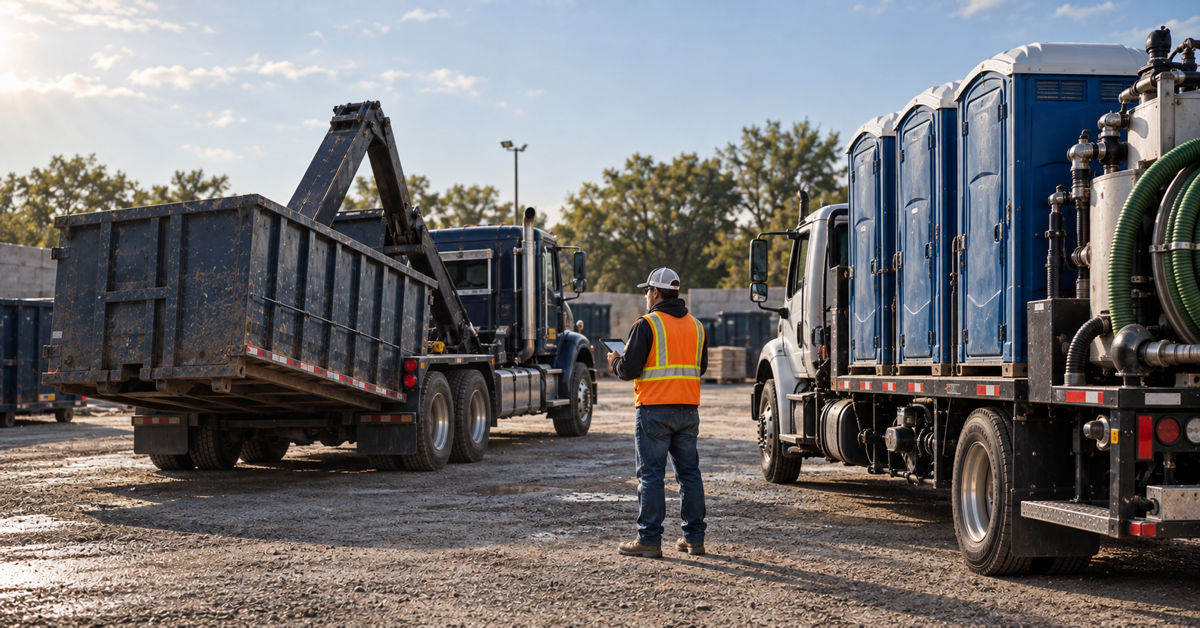
Short answer: For most businesses running both roll-off and portable sanitation, vertical waste software should be the first category on the shortlist. A general field-service platform may still be the better choice when the business is organized mainly around technician appointments and does not need software to model containers, portable units, recurring service, exchanges, pickups, and field exceptions as connected operational records.
The decision should not be based on which system has the longest feature list. It should be based on which one can complete your hardest real workflow with the fewest workarounds.
General field-service software usually starts with a customer, a job, an appointment, and a technician. Vertical waste software starts closer to the operating model of a waste or site-service company: a customer, a service location, a physical asset, a route or movement, completed field work, and the resulting charge.
That distinction matters in a combined operation. A roll-off order can involve a delivery, swap, pickup, container location, and changing site conditions. A portable sanitation account can involve placed units, recurring service, route cadence, extra service, relocation, and eventual pickup. Both service lines may belong to the same customer while following different operational rhythms.
ServiceTitan currently presents its product as all-in-one software for contracting businesses. That positioning is one reference point for the general field-service category, but it cannot establish whether ServiceTitan, Jobber, or another platform will fit your particular roll-off and portable sanitation workflows.
Jobber describes itself as field service management software and says teams can schedule field service jobs in a calendar, assign people, and share appointment details. Those published capabilities make it a meaningful job-centered comparator, but they do not establish how a combined operator would track each roll-off container and portable unit through exchanges, recurring service, and billing. Ask Jobber to run the same asset-and-route demonstration as every other vendor before deciding whether its model fits.
Before inviting vendors to demonstrate their products, decide what your system must treat as the primary operational record.
A system can look excellent in a generic scheduling demonstration and still require spreadsheets when the dispatcher needs to find an available asset, insert an emergency swap, preserve the next recurring service, and pass every billable change to the office.
Treat the following as hypotheses to verify, not assumptions about every product in either category.
| Decision test | What to test in vertical waste software | What to test in general field-service software | A strong pass condition |
|---|---|---|---|
| Asset visibility | Container and portable-unit status, location, availability, and history | Whether equipment can be modeled without custom fields or duplicate records | A dispatcher can answer what is available and where it is without another system |
| Mixed dispatch | Roll-off movements and recurring portable service in one operating view | Appointments, routes, and asset moves without rebuilding work by hand | A same-day change updates the right driver, asset, customer, and next action |
| Recurring service | Service cadence attached to the correct units and locations | Recurring jobs that preserve asset and site context | The next visit remains correct after an exception, relocation, or extra service |
| Field exceptions | Failed service, blocked access, contamination, extra material, photos, and notes | Flexible forms and job outcomes that trigger the correct office follow-up | The office can see what happened and decide what to bill without calling the driver |
| Billing handoff | Charges created from completed movements and services | Invoices created from completed jobs and captured additions | The invoice reflects the demonstrated field event without rekeying it |
| Combined-account view | Both service lines under the right customer, sites, assets, and balances | Multiple job types without fragmented customer histories | Customer service can understand the whole account from one reliable view |
Do not reject a general platform merely because it was not designed around waste terminology. It may be the better operational choice when:
The key word is prove. A configurable demo is not the same as a maintainable operating system. Ask who will own each custom field, automation, status, and report after launch.
Vertical software deserves the first demonstration when containers and portable units are central to revenue, dispatchers coordinate both scheduled service and asset movement, or billing depends on preserving what actually happened in the field.
At RapidWorks, we build CRO for asset-centric and site-service operators. CRO connects dispatch, field work, and billing in one workflow. On our roll-off page, we explain how teams can build jobs and dispatch swaps, pickups, and drop-offs from one screen, then track containers in real time.
That makes CRO a relevant vertical-software candidate for your shortlist. A combined-service demonstration is still the right test. Ask us to run your portable sanitation scenarios alongside the roll-off scenarios and show how both service lines appear at the customer, site, dispatch, field, and billing levels.
Give every shortlisted vendor the same sample customer and require a live, end-to-end demonstration. Do not accept a slide presentation in place of the workflow.
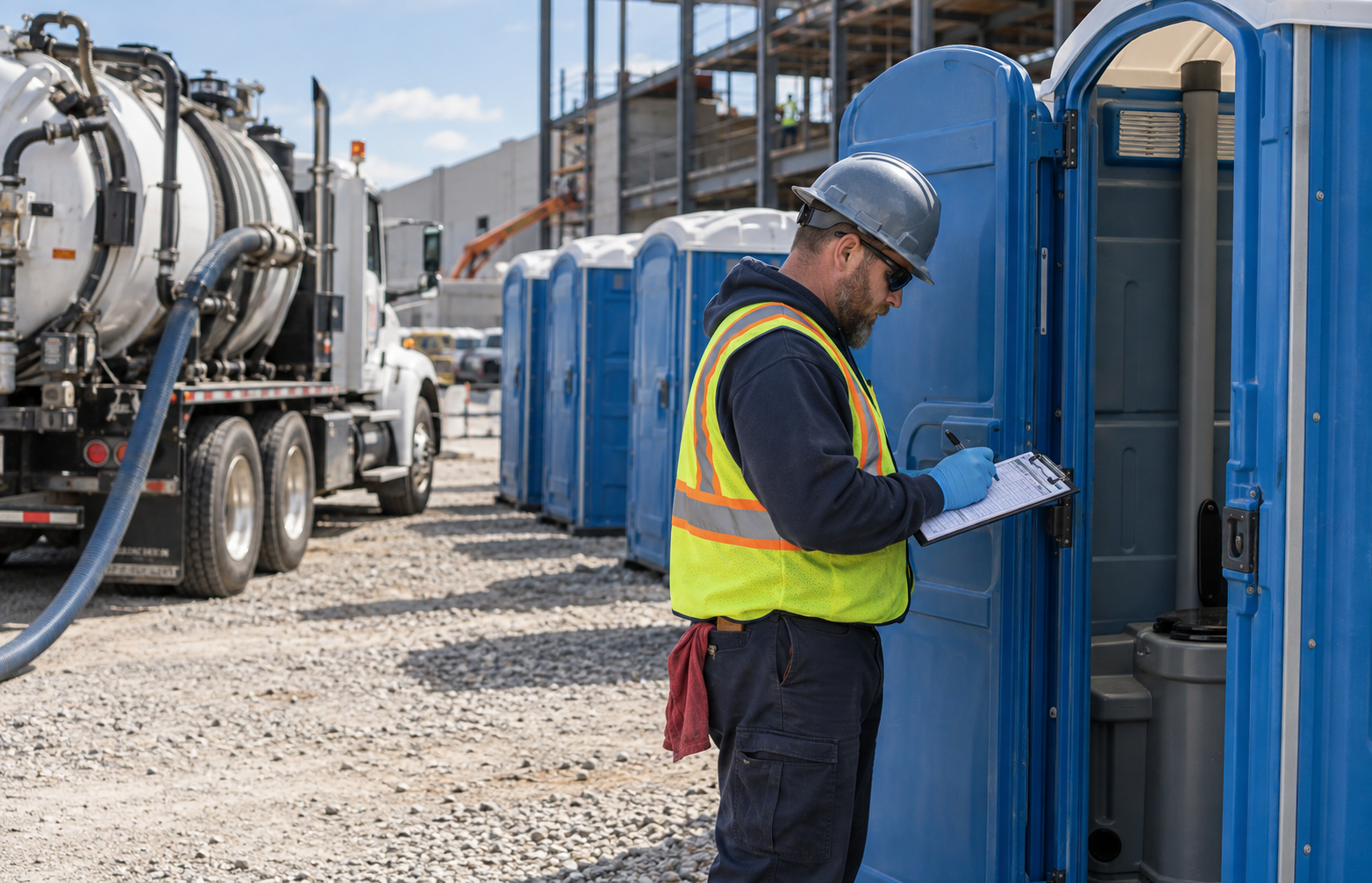
Count the manual steps, duplicate entries, separate screens, exports, and workarounds. The strongest system is the one that makes the real operating sequence clear to dispatch, drivers, customer service, and billing.
An example scorecard for a combined operation could assign 25 points to asset lifecycle, 20 to dispatch and route changes, 15 to recurring service, 15 to billing completeness, 10 to field exceptions, 10 to combined-service reporting, and 5 to implementation ownership. Change those weights to reflect where your business loses the most time or revenue.
Score only what the vendor demonstrates. Record gaps as one of three things: unavailable, requires configuration, or requires another product. Then evaluate the implementation effort and total commercial proposal. This prevents a polished feature tour from outweighing the workflows that run the business every day.
For a genuinely combined roll-off and portable sanitation operation, start with vertical waste software and make it prove both service lines. Keep ServiceTitan, Jobber, or another general field-service platform in the evaluation when your work is primarily appointment-centered, when physical asset state is not operationally important, or when broader cross-trade flexibility outweighs vertical depth.
CRO belongs on the vertical shortlist based on the asset-centered positioning and roll-off workflow we describe. The buying decision should still depend on a scripted demonstration of your portable sanitation routes, unit history, service exceptions, combined customer view, and billing handoff.
The category is only the starting point. Choose the system that can represent your business on a difficult Tuesday, not merely the one that looks easiest in a standard demo.
Next step
Bring one customer with roll-off and portable sanitation work, then follow the assets, route changes, exceptions, and charges from dispatch through billing. Book a CRO demo.
Usually, it should begin there. Vertical software is the stronger starting hypothesis when containers, portable units, recurring routes, movements, and field-generated charges must remain connected. The final choice should follow a live test of the company’s own workflows.
Potentially. A general field-service platform may fit when the business is mainly appointment-centered or when its asset requirements can be handled cleanly without fragile customization. Require the vendor to demonstrate the complete combined-service scenario before deciding.
Use one customer with both service lines, add a recurring portable route, insert a roll-off swap, record a failed service and a billable field change, then follow the records through dispatch and billing. That single scenario exposes whether the system preserves operational context.
No. Establish workflow fit first, then compare the complete commercial proposal and implementation effort. A lower initial price may not be the better result if essential work depends on manual reentry, extra systems, or difficult customization.
