


Concrete Pumping
From boom pumping to telebelts, we help concrete placement teams deliver best-in-class service with every job.
/TEST%20icons/noun-concrete-pump-5976240.svg)
/Industry%20Icons/noun-5917380.svg)
/Industry%20Icons/noun-truck-4140346.png?width=60&name=noun-truck-4140346.png)


/TEST%20icons/noun-crane-truck-6830557.svg)
/TEST%20icons/noun-drilling-5103943.svg)


/Industry%20Icons/noun-road-fence-3990160.png?width=60&name=noun-road-fence-3990160.png)

/No%20Background/noun-maintenance-7409171-F1612C.png?width=60&name=noun-maintenance-7409171-F1612C.png)



Recently, we introduced several updates to Visual Dispatch to make it easier for teams to track time worked on jobs and keep job information accurate across documents.
The biggest update expands the Timesheet module, adding more flexibility for payroll settings and better visibility during approvals. We also introduced improvements to enhance Forms, e-tickets, and other documentation. Here’s what’s new.
Please note: These features are part of an early release. If you are interested in trying them out, please get in touch with our team.
The Timesheet module allows employees and supervisors to record and manage time worked on jobs, supports daily and pay-period views, approval workflows, and payroll configuration.
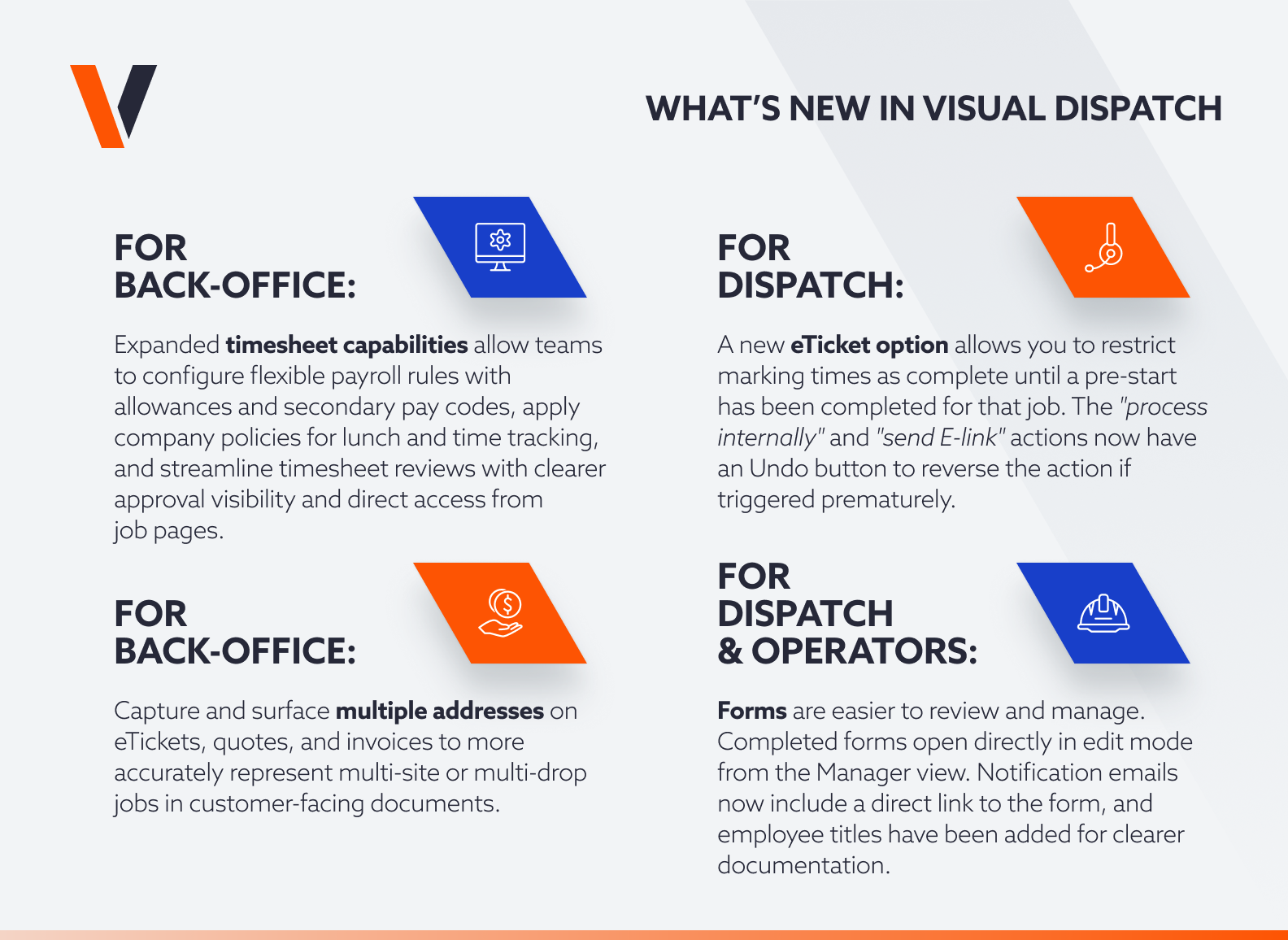
Companies now have more flexibility when setting up payroll rules and job-specific pay structures with the ability to add allowances and secondary pay codes.
We also added more control over how lunch times and out times are handled. When allowed by company settings, employees and approvers can now adjust lunch times in one-minute increments and clearly see the difference between In, Out, and Lunch rules.
To help with faster reviews and approvals, additional fields are now available on timesheets, and timesheets can be opened directly from job pages. You can also set up policies that require pre-starts before times can be marked complete, controlling whether out times are used, and ensuring lunch rules match company policy.
Key benefits at a glance: Back-office teams can configure flexible payroll rules with allowances and secondary pay codes, apply company policies for lunch and time tracking, and streamline timesheet reviews with clearer approval visibility and direct access from job pages.
Visual Dispatch can now capture and surface multiple addresses on eTickets, quotes, and invoices. This improvement helps back-office teams more accurately represent multi-site or multi-drop jobs in customer-facing documents.
The feature also supports latitude and longitude information across e-tickets, invoices, and quotes, helping maintain consistent job location data throughout the workflow.
A new eTicket option allows you to restrict marking times as complete until a pre-start has been completed for that job. The "Process Internally" and "Send eLink" actions now have an Undo button, giving dispatchers a way to reverse the action if triggered prematurely.
We’ve released several improvements to make Forms easier to review and manage. When a form creator opens a completed form from the manager view, it automatically opens in edit mode; this applies to pre-start, JSA, and other forms.
Form notification emails now include a direct link to the form, and we added the employee title to the acknowledgment page and the JSA PDF acknowledgment grid to provide clearer documentation.
These updates continue expanding how Visual Dispatch supports teams in responsibly managing their job data, payroll tracking, and operational documentation. Visual Dispatch continues to evolve to support the operational workflows crane rental teams rely on every day.
These features are part of an early release. Interested in early access? Connect with our team to learn more.