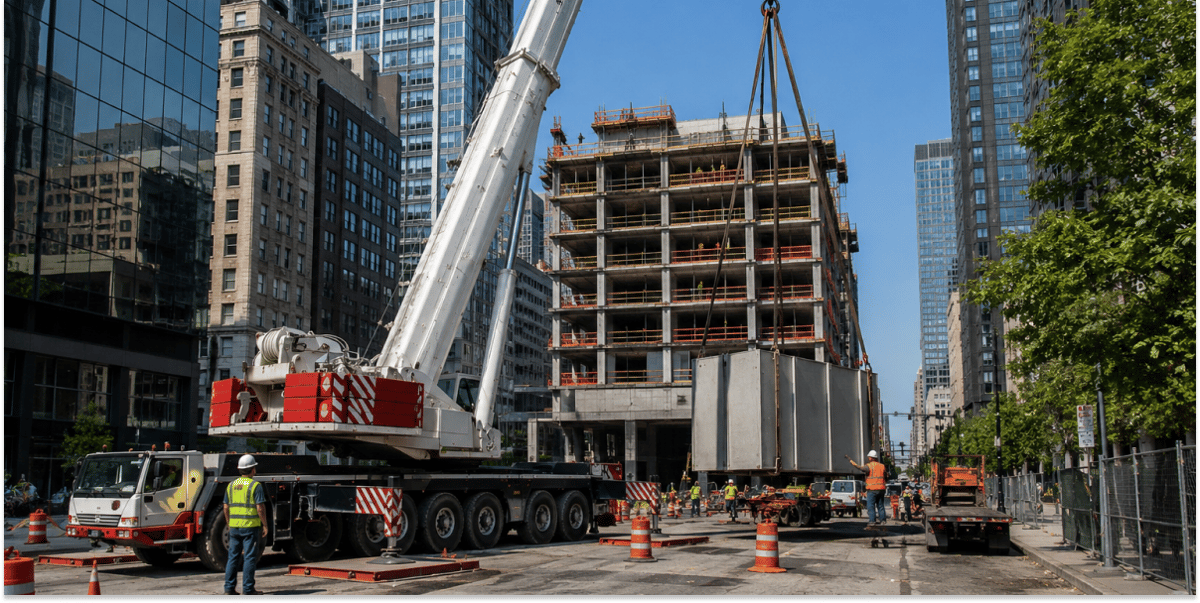
It’s 6:40 on a Tuesday morning and your 90-ton is still in the yard. It was booked. Then the general contractor pushed the pick because the steel didn’t show, someone called the dispatcher’s cell, and the job got moved. Nobody filled the slot. Meanwhile, two customers were told last week that you were booked solid.
Across town, your all-terrain is on site and on the clock, but it’s waiting on a rigging truck that never got allocated. The operator writes the standby time on a paper ticket that may or may not make it onto the invoice.
Neither crane looks idle on the whiteboard. Both are costing you money. That’s the utilization problem most crane rental operators live with: not a fleet that’s too small, but a fleet that isn’t billing as many hours as it could.
Idle and Unbilled Crane Hours Cost More Than Most Owners Track
A crane costs you money every day it exists. Financing, insurance, inspections, depreciation, and the operators you keep on payroll don’t pause when the schedule has a gap. The only thing that offsets those costs is billed hours, so every hour a crane could have worked and didn’t, or worked and didn’t bill, comes straight out of margin.
In most crane rental operations, utilization leaks in three places:
- Empty schedule slots. A job cancels or slides, and the opening never gets resold because no one can see it in time.
- Waiting on site. The crane is there, but the support crane, rigging, counterweight truck, or a qualified operator isn’t, and the pick can’t start.
- Hours worked but never billed. Standby, extra travel, and overtime get lost between a paper ticket and the invoice.
The bigger cost is the decision these leaks push you toward. When you’re turning work away, it’s natural to conclude you need another crane. But if your existing fleet has open hours hiding in the schedule and unbilled hours hiding in the paperwork, a new crane just gives you one more asset to underuse. The cheapest capacity you can add is the capacity you already own.
Why Whiteboards and Generic Dispatch Software Hide Crane Capacity
Crane work changes by the hour. Weather, site readiness, late materials, and customer changes rewrite the day before most people have finished their coffee. A whiteboard or spreadsheet shows what was planned, not what’s happening, and the real picture usually lives in the dispatcher’s head and phone.
Most operators have patched this together over the years: quotes in one place, the schedule in another, job tickets on paper, invoices in the accounting system. Each piece works on its own. Together, they make it almost impossible to see open capacity in time to sell it.
Generic field service software doesn’t fix this. It was built to send one technician in one van to one job. A crane job is a crane, support equipment, rigging, an operator, an oiler, and a site with its own requirements, all of which have to line up at the same time. Software that can’t schedule that bundle can’t show you where your utilization is going.
5 Ways to Improve Crane Utilization in Crane Rental Operations
None of these require buying another crane. They’re about seeing your capacity clearly, filling it, and getting paid for all of it.
1. Measure Crane Utilization in Billable Hours, Not Days Out of the Yard
Crane utilization is the share of a crane’s available hours that are spent on billable work. If a crane is out of the yard all day, it can still look fully used while travel, setup, and unbilled standby eat half the shift.
Track two numbers for each crane. The first is time utilization: hours on billable jobs divided by available hours. The second is billed utilization: hours invoiced divided by hours actually worked. The gap between them is revenue you earned and didn’t collect.
PRO TIP: Break utilization out by crane class instead of reporting one fleet average. A fully booked 50-ton and a parked 250-ton can average out to “fine” while the big crane, and its ownership costs, sit idle for weeks.
2. Quote Complete Resource Packages So Every Job Is Dispatched Right the First Time
A lot of on-site waiting starts at the quote. If the quote says “100-ton, eight hours” and leaves dispatch to remember the rigging, the counterweight truck, the assist crane, and the signal person, the dispatcher fills in the gaps from memory. Miss one piece and the crane waits on site, or the job takes a second trip.
Build standard resource packages for the job types you run most, and make sure the quote carries every line item straight into dispatch. When the schedule matches what was sold, cranes arrive with everything they need to start lifting.
3. Put Cranes, Support Resources, and Crews on One Live Schedule
You can’t sell capacity you can’t see. When cranes, support equipment, and personnel all sit on one schedule, a dispatcher can spot that a four-hour pick wraps by noon and the crane can take a second job nearby. When a 6 a.m. cancellation comes in, the open slot is visible right away instead of at the end of the day.
The goal isn’t to stop the schedule from changing. That won’t happen in crane work. The goal is to absorb changes fast enough that open hours get filled instead of lost.
4. Match Qualified Operators to Jobs Before the Day Of
A crane without a qualified operator is an idle crane. Certifications, site inductions, and customer-specific requirements all limit who can run a given job. If that information lives in a binder or a spreadsheet, the conflict shows up at 5 a.m., when the only fix is to delay the job or send a different crane.
Track crew skills and compliance next to the schedule, so dispatchers only see qualified people when they allocate a job. Operators with multiple branches or companies get an extra payoff: they can pull a qualified crew from another location instead of turning the work down.
5. Capture Actual Field Time So Every Hour Worked Gets Billed
Utilization isn’t only about hours worked. It’s about hours paid for. Standby while the site gets ready, extra travel, and overtime are real hours that often never reach the invoice because they were written on a ticket that got wet, lost, or misread.
Electronic job tickets with real start and stop times, reconciled against crew timecards before invoicing, close that gap. They also show patterns over time, like which customers’ sites routinely cause standby, so you can adjust minimums or pricing instead of absorbing the cost.
How Visual Dispatch Turns These Five Practices Into Daily Habits
Each of these practices is possible on paper. The trouble is keeping them up on a busy day when the schedule changes every hour. Visual Dispatch, by RapidWorks, is built for crane rental operations and connects quoting, scheduling, dispatching, job tickets, and invoicing in one system, so changes in the field carry through to billing and reporting without anyone starting over.
- Quoting with equipment packages creates dispatchable quotes in under five minutes and moves every resource onto the schedule, so jobs are allocated right the first time.
- A single dispatch screen shows cranes, support resources, and personnel together and lets dispatchers schedule a new job in two clicks, so open slots get filled while they’re still sellable.
- The Skills & Compliance Tracker tracks inductions and compliance for crews and equipment, so dispatchers find qualified operators before the morning of the job.
- Electronic job tickets and payroll prep put tickets and timesheets side by side for reconciliation, and invoices go out from the schedule in one click, so worked hours become billed hours.
- Utilization and income reporting breaks out asset utilization, billable hours, and revenue by crane, so you can see which assets are earning and which are sitting.
AME Inc., a crane operator with crews working across multiple states, connected quoting, scheduling, and dispatching with Visual Dispatch. The result: dispatchers now save 8 to 13 hours a day, and project managers get back up to 14 hours with pre-built quoting packages.
“[Visual Dispatch] lets us find the best crew and equipment from across all nine companies…”— Jon Johnson, Director of Operations, Davis Crane
Find the Capacity Already in Your Fleet
Every crane in your yard carries its costs whether it’s working or not. Before you price out another crane, find out how many billable hours your current fleet is leaving in empty slots, on-site waits, and lost tickets.
Want to learn more about how Visual Dispatch can help you manage equipment utilization? Schedule a demo today!
FAQs
How do you calculate crane fleet utilization?
Divide each crane’s billable hours by its available hours over the same period, then compare cranes by class. Define available hours the same way every time, for example by excluding scheduled maintenance, so the numbers are comparable month to month.
Should I buy another crane or improve utilization first?
If cranes are sitting in the yard while you turn work away, or billed hours trail worked hours, it's best to focus on improve utilization first. Those are signs your current fleet has capacity you’re not selling or not collecting on.
How do crane dispatch decisions affect fleet utilization?
Crane dispatch decisions affect fleet utilization by deciding whether each crane’s hours are spent billing, traveling, or waiting. Sending an oversized crane, leaving gaps between jobs, or failing to refill a cancelled slot all lower utilization even when the schedule looks full. Better decisions come from seeing every crane’s status, location, and upcoming work at once.
What dispatch mistakes lower crane utilization?
The most common dispatch mistakes that lower crane utilization are:
- Sending a larger crane than the lift requires
- Leaving gaps between jobs because follow-up work wasn’t planned
- Failing to refill slots after cancellations
- Assigning a crane before confirming an operator and support equipment are available
- Planning job durations from estimates instead of actual past job times
Each one either idles a crane or keeps it from billing for hours it could have worked.