


Concrete Pumping
From boom pumping to telebelts, we help concrete placement teams deliver best-in-class service with every job.
/TEST%20icons/noun-concrete-pump-5976240.svg)
/Industry%20Icons/noun-5917380.svg)
/Industry%20Icons/noun-truck-4140346.png?width=60&name=noun-truck-4140346.png)


/TEST%20icons/noun-crane-truck-6830557.svg)
/TEST%20icons/noun-drilling-5103943.svg)


/Industry%20Icons/noun-road-fence-3990160.png?width=60&name=noun-road-fence-3990160.png)

/No%20Background/noun-maintenance-7409171-F1612C.png?width=60&name=noun-maintenance-7409171-F1612C.png)


Every operation tracks jobs differently, manages documents in different ways, and relies on steady cash flow to keep work moving. The tools you use should support all of it.
This quarter, we introduced several new capabilities in RapidWorks designed to simplify how your team captures job information, generates documents, and collects payments.
From faster payment processing to more flexible data tracking and automated document generation, these updates help reduce manual work and keep your operations running smoothly. Here's what's new.
For many operations, collecting payments can be one of the most time-consuming parts of the job. Payments come through different channels; invoices need to be reconciled manually, and teams often spend valuable time tracking outstanding balances.
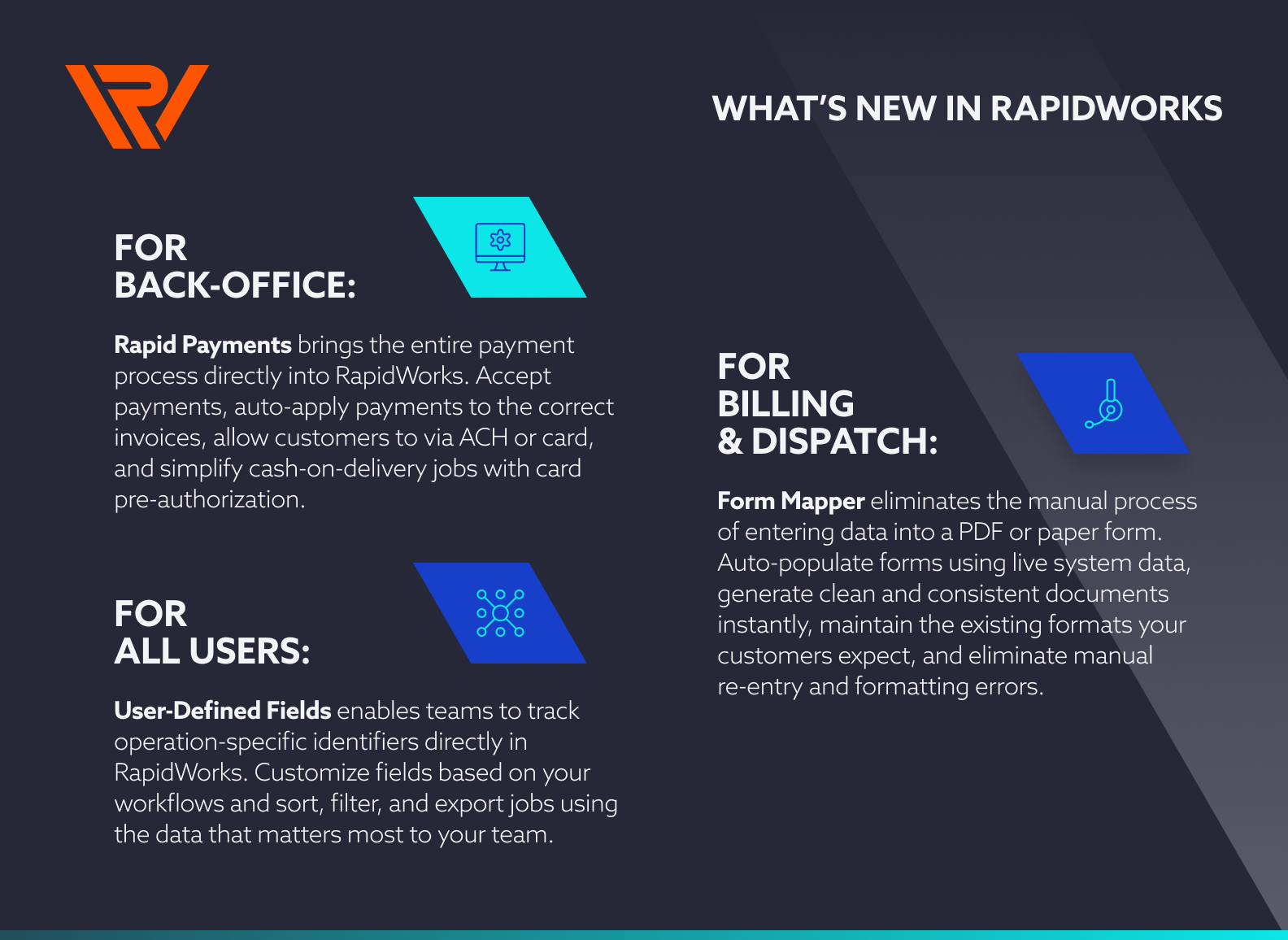
Rapid Payments brings the entire payment process directly into RapidWorks, offering a way to automate collections and manage payments from start to finish.
Rapid Payments acts as a centralized command center for cash flow. Through the Merchant Portal, you can see payments received, customer engagement with invoices, pre-authorizations, and transaction details all in one place.
Your team can take payments over the phone using a secure virtual terminal, send invoices with built-in payment links, and automatically apply payments to the correct invoices without manual reconciliation.
For cash-on-delivery jobs, you can pre-authorize cards upfront and convert those holds into completed payments once the job is finished, helping eliminate billing delays and reducing the risk of unpaid work.
Rapid Payments provides a simple self-service experience that enhances your existing relationships through a modern (often expected) customer portal. Customers can log into a secure portal to view invoices, review their payment history, and choose how they want to pay, whether by ACH or credit card. They can even make partial or split payments and add notes to transactions, giving them more flexibility while reducing the back-and-forth with your office team.
The result is faster payments, less administrative work for your team, and a smoother experience for your customers.
Key benefits at a glance: Accept payments directly inside RapidWorks, automatically apply payments to invoices without manual reconciliation, give customers flexible payment options including ACH or card, and simplify cash-on-delivery jobs with card pre-authorization. Simply put, automate collections and strengthen customer relationships.
Getting started with Rapid Payments is fast and easy! Learn more here.
Most operations rely on internal identifiers that don't fit neatly into standard system fields. From driver slip numbers, bills of lading, customer reference numbers, compliance details, and more. When those details don't have a home in your system, they end up in spreadsheets or handwritten notes, disconnected from the rest of your job data.
The User-Defined Fields feature changes that. You can now create custom fields inside RapidWorks, labeled and configured to match your workflows, available across dispatch, billing, and invoicing.
Details get captured earlier in the job lifecycle, so dispatchers and accounting teams have the visibility they need without chasing information down after the job is done.
Key benefits at a glance: Track operation-specific identifiers directly in RapidWorks, customize fields based on your workflows and terminology, and sort, filter, and export jobs using the data that matters most to your team.
If your business works with customers, utilities providers, or government agencies, who require specific documentation, you are likely familiar with the manual process of entering data into a PDF or paper form before it can be submitted. It's time-consuming, and introduces real risk from formatting issues, missing details, and delayed documentation.
Our new Form Mapper eliminates that step entirely. Upload your existing form template, map its fields to job data already captured in RapidWorks, and the system handles the rest.
Every time a job is completed, your document is automatically populated and ready to go, in the format your partners and clients already recognize.
Key benefits at a glance: Automatically populate forms using live system data, generate clean and consistent documents instantly, maintain the existing formats your customers expect, and eliminate manual re-entry and formatting errors.
User-Defined Fields and Form Mapper reflect something we think about with every release, how we can improve the way your teams actually work. Every job has details that matter. Every business has documents that have to be right.
These updates bring more of that real-world complexity directly into RapidWorks, so your team spends less time on workarounds and more time moving work forward.
Have questions about these updates or want to see them in action? Connect with us today!